
Modern CSS Solutions for Old CSS Problems
Modern CSS Solutions
A series examining modern CSS solutions to problems Stephanie Eckles (@5t3ph), a seasoned frontend developer, has been solving for 15+ years.
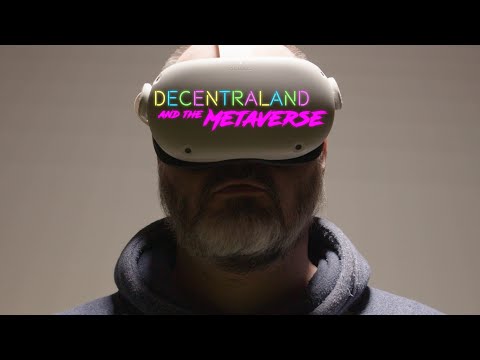
Science Fiction Movie Lettering
Hacking the original xbox controller for fun and no profit
How Video Games Lie To You
It might come as a surprise to some of you, but your favorite games [...] use some pretty clever lies to invisibly balance their gameplay experience behind the scenes.
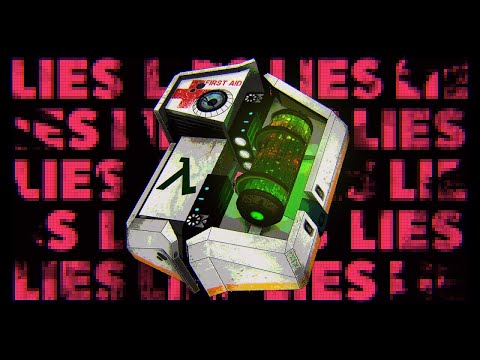
I THOUGHT YOU WERE DEAD!
Though actually I'm happy to see Daft Punk come up on my New Releases playlist this week.
Mo LaBorde is a reporter who has been collecting safety cards for almost ten years, and one day she started wondering how the modern safety card came about.
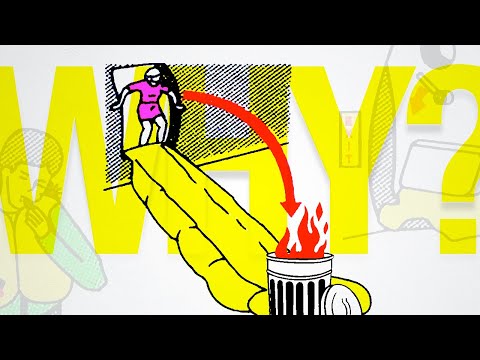
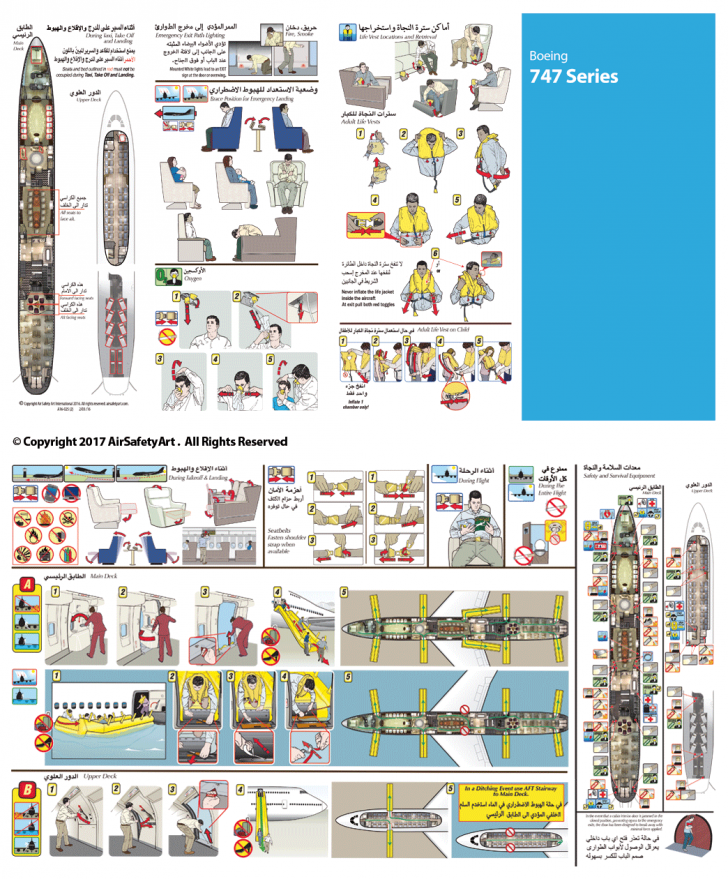
In The Unlikely Event - 99% Invisible
Do you remember… airplane travel? Packing into a tin can with 200 other people all breathing each other’s air? These days most of us are still avoiding plane travel. But, in the Before Times, when we boarded a flight, we all received the same familiar set of instructions. If you’ve ever flown on a plane,
Four-Byte Burger

What Color is Player 1?
DOOM maps to SVG to laser cutter
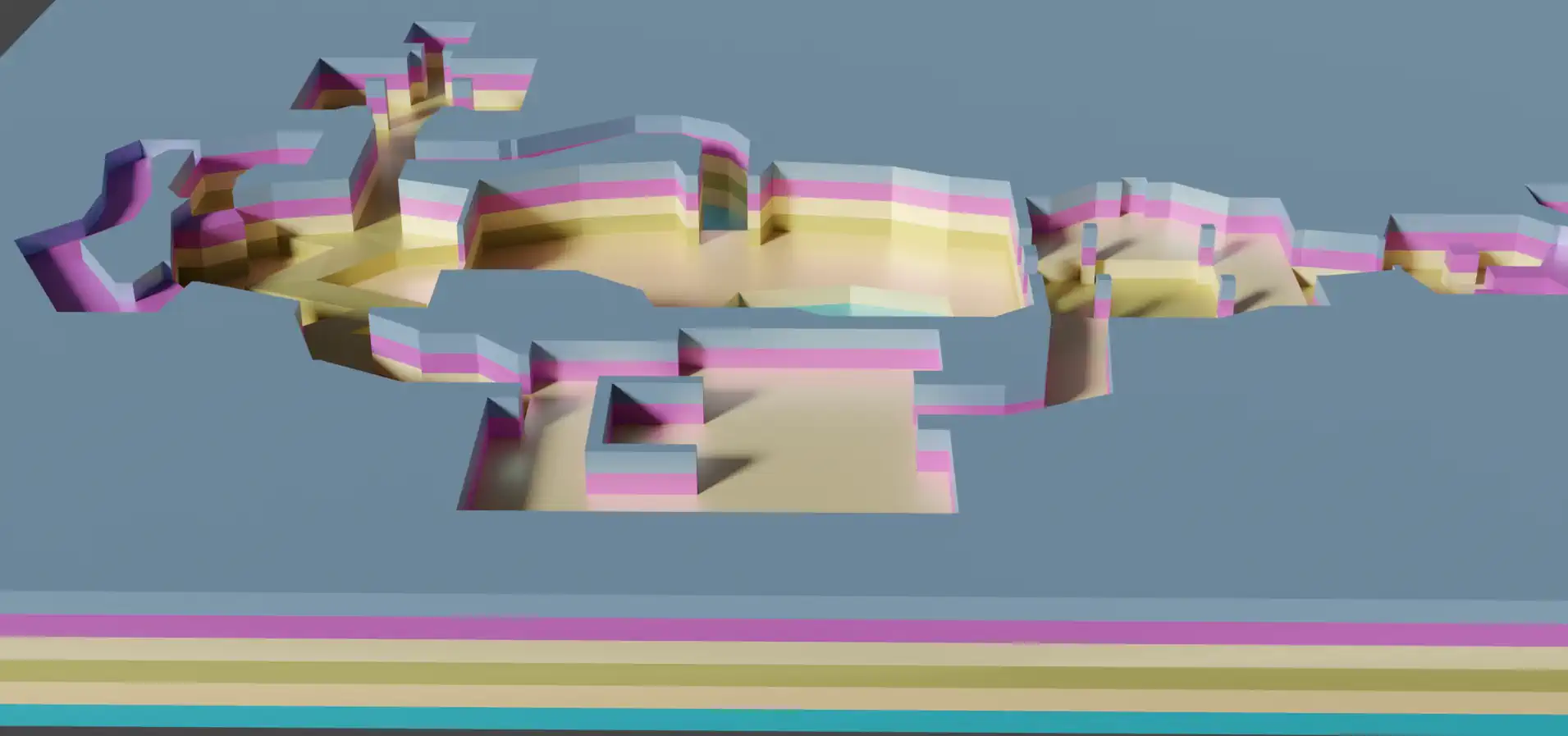
DOOM maps to SVG to laser cutter
I’ve heard a lot about classic Doom’s data format and decided to write some Rust code to extract its maps and convert that to vector graphics I could laser cut.
Sega 3-D Glasses: How did they work?
Sega 3-D Glasses: How did they work?
Most people have two eyes, allowing for a stereoscopic view of reality.[citation needed]. Nevertheless, video games are generally designed to run on monitors...
That's pretty cool!
Normally, submitting an app to app stores requires a lot of work, including writing code in languages web developers may not necessarily be familiar with, creating app icons, configuring various settings, and testing the app across different devices and operating systems. PWABuilder takes care of many of these tasks automatically, reducing the amount of time and effort required to publish apps.
Espresso and open source hardware?
Making an espresso machine from (almost) scratch.
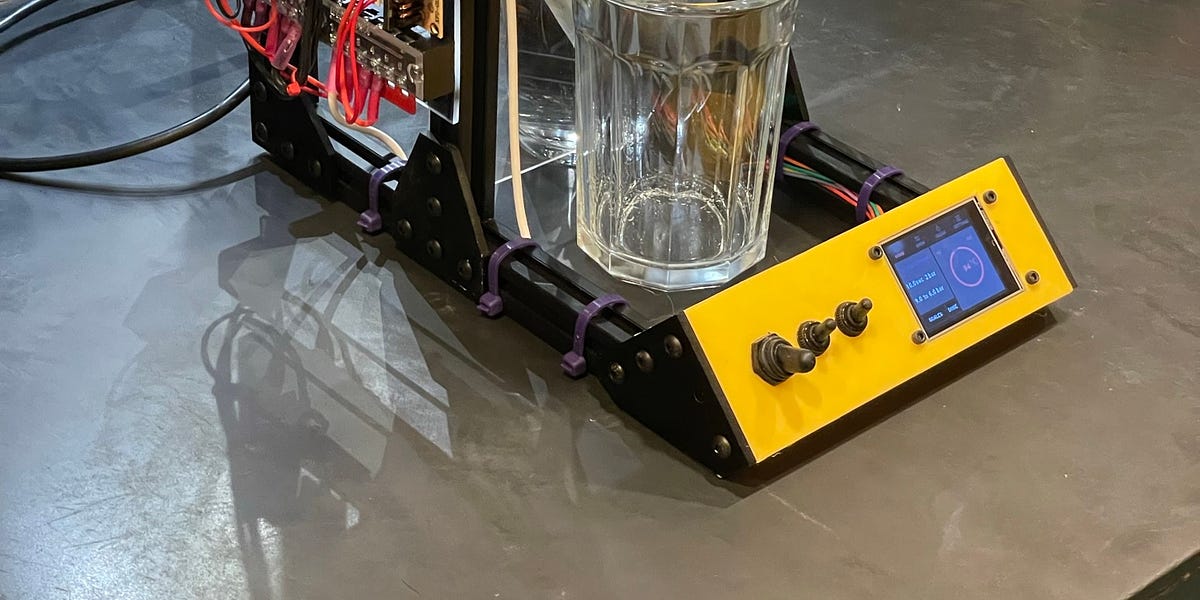
Espresso and open source hardware?
Making an espresso machine from (almost) scratch.
The majority of internet users aren't developers, so outputting the HTTP error code and its name (503 Service Unavailable) isn't good enough.
On writing better error messages - OnlineOrNot
'Error 503 Service Unavailable' is a terrible error message. This article teaches you how to do better.
System font stack CSS organized by typeface classification for every modern OS
Modern Font Stacks
System font stack CSS organized by typeface classification for every modern OS. The fastest fonts available. No downloading, no layout shifts, no flashes — just instant renders.
WebGL2 from the ground up. No magic.
WebGL2 Fundamentals
Learn WebGL2 from the ground up. No magic
This is a really impressive feat, and the ultimate asymmetrical VR experience!
The process of making a multiplayer-cross-platform video game that has parts that run on everything from a tiny microcontroller to a high end VR setup
This is how the cover art of Defender of the Crown (1986) was made

This is how the cover art of Defender of the Crown (1986) was made
Every now and then, I like to focus on game covers here on this site. I started with a series of articles in Swedish that I never finished (there will be a second part though), and I recently wonde…
I've posted a short blog post about shutting down Dingoonity.org after 14 years https://blog.omgmog.net/post/saying-goodbye-to-dingoonity/
The end of Dingoonity | The blog of Max Glenister
If you were familiar with Dingoonity, you might have noticed by now that I’ve made the decision to shut down the website.
I've jumped on the ChatGPT bandwagon lately. Using Open AIs implementation. I can see how conversational interfaces are going to revolutionize the way we use search.
Take my example from today - I wanted to batch convert a directory of PDF files to PNG:
Me:
How can I easily convert a directory of pdf files to png
AI:
You can use an open-source command-line tool called "ImageMagick" to easily convert a directory of PDF files to PNG images. Here's how to do it:
Install ImageMagick: You can download ImageMagick from their official website and install it on your computer.
Open a command prompt or terminal: Navigate to the directory where your PDF files are located.
Run the following command:
magick mogrify -format png *.pdfThis command will convert all the PDF files in the current directory to PNG format. The converted PNG files will have the same name as the original PDF files, but with the .png extension.
If you want to convert the PDF files to a different image format, such as JPEG, you can simply replace "png" in the command with "jpg" or the desired image format.
Note that ImageMagick can also be used to convert individual PDF files to PNG images by using the "convert" command. Here's an example:
magick convert example.pdf example.pngThis will convert the file "example.pdf" to a PNG image called "example.png".
Me:
how would I set the output resolution?
AI:
To set the output resolution for the converted PNG files, you can add the -density option to the ImageMagick command. The -density option specifies the number of pixels per inch (PPI) for the output image. Here's how to set the output resolution to 300 PPI:
magick mogrify -density 300 -format png *.pdfThis command will convert all the PDF files in the current directory to PNG images with a resolution of 300 PPI. You can adjust the resolution to a different value by changing the number after the -density option.
Note that the output image size will depend on the original PDF file's dimensions and the resolution you set. If the PDF file is large, the output PNG file may also be large in size. You can also use the -resize option to resize the output image to a specific size after converting it.
Me:
How would I make the transparent areas of the converted images be white?
AI:
To make the transparent areas of the converted images be white, you can use the -background and -alpha options in the ImageMagick command. Here's an example command that sets the transparent areas to white:
magick mogrify -background white -alpha background -flatten -density 300 -format png *.pdfThis command does the following:
-background white: sets the background color of the image to white.-alpha background: tells ImageMagick to treat transparent areas as background.-flatten: merges the alpha channel with the background color to create a fully opaque image.-density 300: sets the resolution of the output image to 300 PPI.-format png: sets the output format to PNG.
Visual design rules you can safely follow every time
I finally got around to publishing a blog post about the movies I watched in 2022.
The Movies I Watched in 2022 | The blog of Max Glenister
Through 2022 I kept track of most the movies I watched.
Open UI: The missing industry standard definition of UI
Will Wright on Designing User Interfaces to Simulation Games
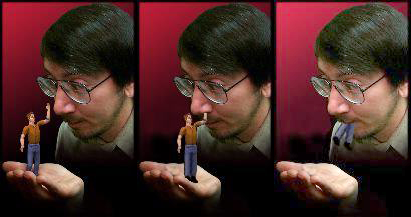
Will Wright on Designing User Interfaces to Simulation Games (1996) (2017 Video Update)
A summary of Will Wright’s talk to Terry Winograd’s User Interface Class at Stanford, written in 1996 by Don Hopkins, before they worked…