Boxie - a DIY always-offline audio player for kids
 Boxie - an always offline audio player for my 3 year old
How I built a simple portable audio player for my boy, summoning the spirit of the Gameboy
mariozechner.at
 Max Glenister
Links, videos and the odd note, posted here first and shared to Mastodon. The best of each week ends up in Links Worth a Look on the blog.
Boxie - a DIY always-offline audio player for kids
Boxie - an always offline audio player for my 3 year old
How I built a simple portable audio player for my boy, summoning the spirit of the Gameboy
mariozechner.at
This is neat. I've used Deckset and Marp in the past, this seems like a nice successor!
 Slidev
Presentation slides for developers
sli.dev
With Multipaint, you can draw pictures with the color limitations of some typical 8-bit and 16-bit computer platforms.
Get out of my <head>
Make faster, more accessible, more environmentally friendly websites, by removing these tags from your site's <head>.
Tomb Engine - The open-source engine for custom Tomb Raider adventures
The dark side of the Moomins Tove Jansson’s beloved stories, which turn 80 this year, are not cute: they are angry tales of apocalypse and breakdown.
 The dark side of the Moomins
Tove Jansson’s beloved stories, which turn 80 this year, are not cute: they are angry tales of apocalypse and breakdown.
www.newstatesman.com
Browsers are starting to roll out changes in default UA styles for nested section headings. Developers should check that their sites don't rely on UA styles for certain cases to avoid unexpected results and failing Lighthouse checks
 Default styles for h1 elements are changing | MDN Blog
Browsers are starting to roll out changes in default UA styles for nested section headings. This post describes the incoming changes, how to identify if it's an issue on your websites, and hints for conformant and better-structured pages.
developer.mozilla.org
Real-time AI generated Quake 2 that's playable in your browser
 Microsoft Copilot: Your AI companion
Microsoft Copilot is your companion to inform, entertain and inspire. Get advice, feedback and straightforward answers. Try Copilot now.
copilot.microsoft.com
Neat use of radial gradients and CSS variables!
A CSS technique that produces blurry image placeholders (LQIPs) without cluttering up your markup — Only a single custom property needed!
A framework + installer to (very) quickly install Windows 98 on anything from a 486 up to a modern system
Paged Out! is a free experimental (one article == one page) technical magazine about programming (especially programming tricks!), hacking, security hacking, retro computers, modern computers, electronics, demoscene, and other similar topics.
 Paged Out!
Deeply technical zine. And it's free.
pagedout.institute
A work in progress matching decompilation and port of Sonic Advance 2 written in C

PuTTY’s icon designs date from the late 1990s and early 2000s. They’ve never had a major stylistic redesign, but over the years, the icons have had to be re-rendered under various constraints, which made for a technical challenge as well.
😲
Game Bub, an open-source FPGA based retro emulation handheld, with support for Game Boy, Game Boy Color, and Game Boy Advance games.
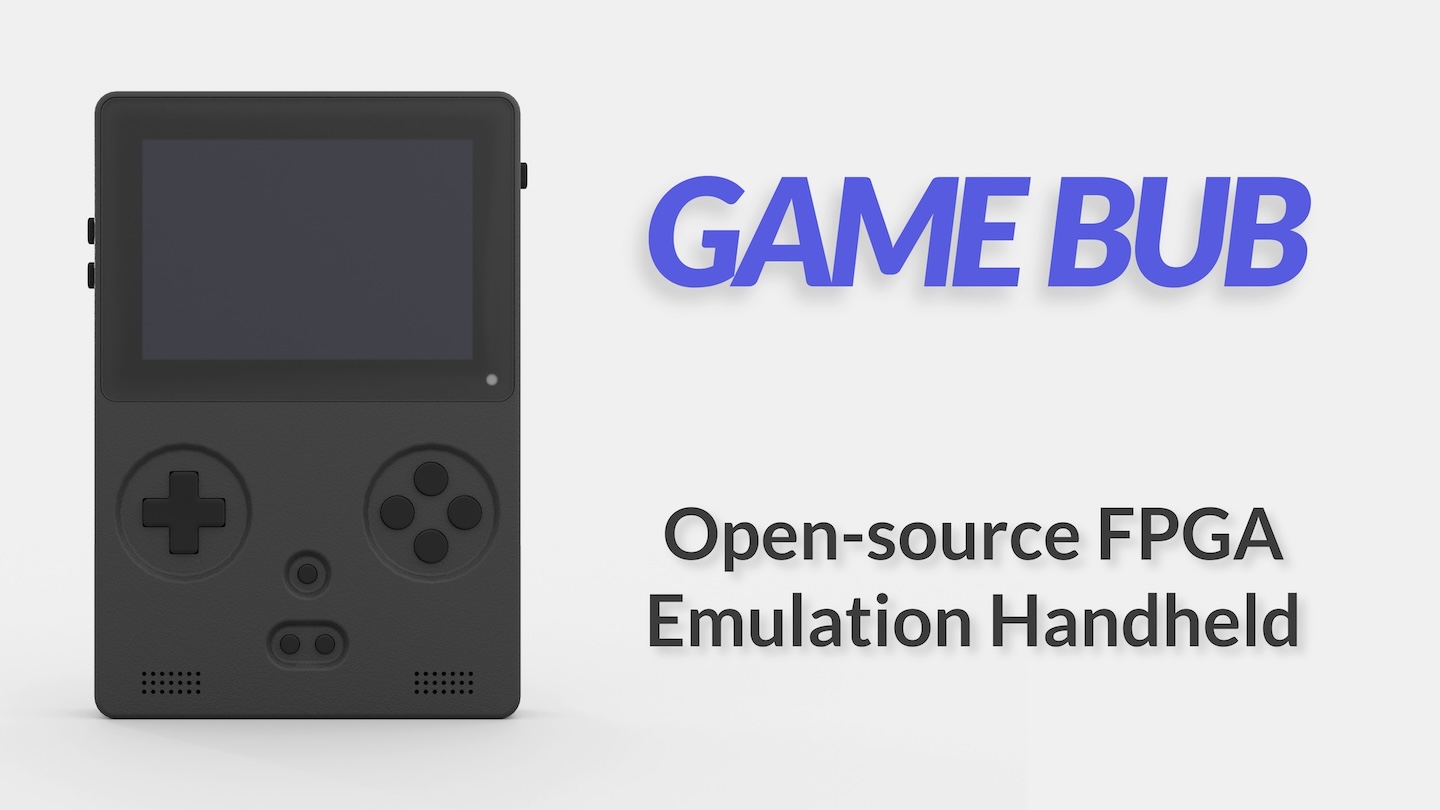 Game Bub: open-source FPGA retro emulation handheld
I’m excited to announce the project I’ve been working on for the last year and a half: Game Bub, an open-source FPGA based retro emulation handheld, with support for Game Boy, Game Boy Color, and Game Boy Advance games.
Play Video:
Game Bub can play physical cartridges, as well as emulated cartridges using ROM files loaded from a microSD card. Game Bub also supports the Game Link Cable in both GB and GBA modes for multiplayer games. I designed the hardware with a number of bonus features, like video out (HDMI) via a custom dock, a rumble motor, real-time clock (for certain games). Additionally, the hardware is designed with extensibility in mind, allowing future software improvements to expand its capabilities.
eli.lipsitz.net
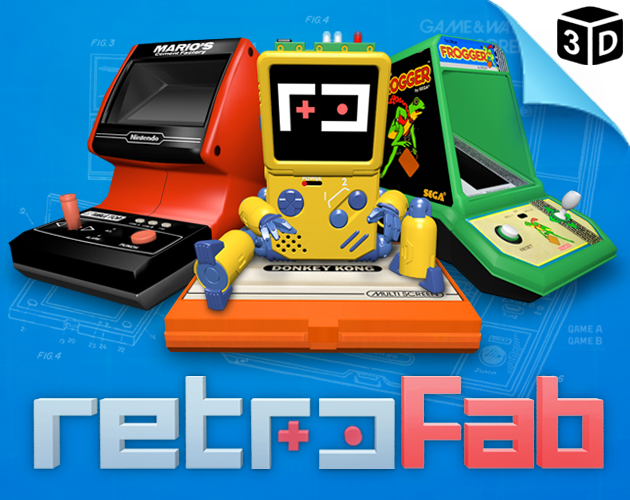
NESFab is a new programming language for creating NES games. Designed with 8-bit limitations in mind, the language is more ergonomic to use than C, while also producing faster assembly code. It's easy to get started with, and has a useful set of libraries for making your first — or hundredth — NES game.
Restoring an oldish iMac 18,3 (mid-2017) that had been previously been running Windows 10 via Bootcamp for the last 8 years.
Some useful commands:
You can identify the serial number of the Mac from the recovery terminal (hold cmd+R while booting to get to recovery):
ioreg -rd1 -c IOPlatformExpertDevice | grep Serial
To get hold of the most up to date recovery/installer that the machine supports (Ventura).
brew install python3 qemu
git clone [email protected]:DrDonk/recoveryOS.git
python3 recovery-vmdk.py
Don't bother with converting the dmg to a vmdk or anything, just write the dmg to a USB:
sudo /usr/sbin/asr restore --source ventura.dmg --target /Volumes/UNTITLED --erase -noverify
Boot the USB and then to reinstate the Fusion drive setup, (before starting the install)
diskutil resetFusion
Then install 🚀